



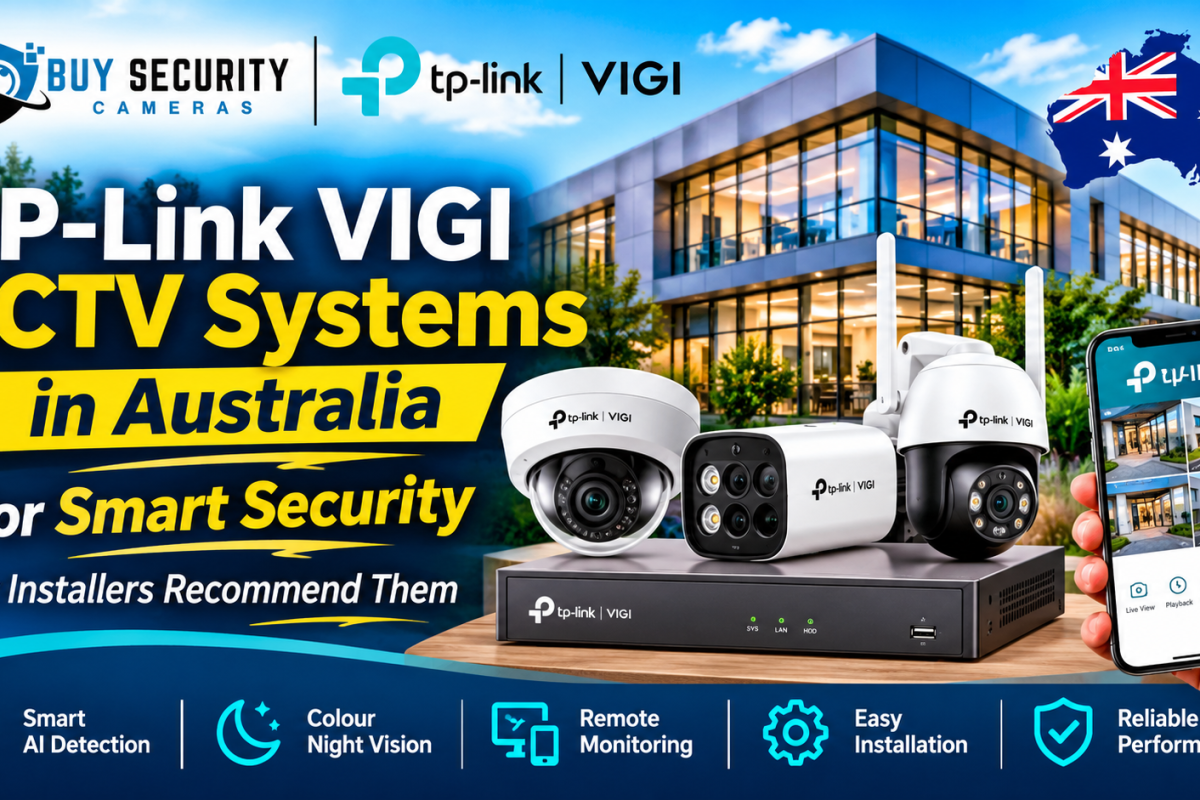
Choosing the right security camera system is an important decision for Australian homeowners and businesses. Whether you want to protect a retail store, monitor an office, secure a warehouse or improve the safety of your property, a reliable CCTV system can make a significant difference. This is where TP-Link VIGI CCTV systems come into consideration. Designed for professional video surveillance, VIGI combines network cameras, video recorders, intelligent detection features and centralised management software to create a complete security solution.
Professional installers value more than just image quality when selecting CCTV equipment. They also consider installation time, network reliability, recording capacity, remote access, maintenance and future expansion. TP-Link VIGI brings these elements together in one surveillance ecosystem, making it a practical option for many Australian security projects.
What Makes TP-Link VIGI Different?
One of the main advantages of TP-Link VIGI is that it offers more than individual security cameras. It provides an integrated surveillance ecosystem in which cameras, NVRs and management software work together. This gives installers greater flexibility when designing systems for different properties.
For example, a small retail shop might only need a few cameras connected to a PoE NVR, while a warehouse may require multiple cameras covering entrances, loading areas, storage spaces and outdoor boundaries. A business with several locations may also benefit from centralised video management.VIGI products are developed around four practical principles: easy planning, easy installation, easy setup and easy maintenance. These principles are particularly relevant to professional installers who need to complete projects efficiently without compromising the quality of the finished system.
Another advantage is product variety. Customers can select different camera resolutions, lens options, recording equipment and management features depending on their requirements. This makes TP-Link VIGI suitable for projects where security needs may change over time.
Key Features of TP-Link VIGI Security Cameras
Modern CCTV systems need to do more than simply record footage. Businesses increasingly want cameras that help identify important events, reduce unnecessary alerts and make reviewing recordings easier. TP-Link VIGI offers several features designed to support these requirements.
High-Resolution Video Quality
Video resolution is an important factor when selecting security cameras. A higher-resolution camera can capture more visual detail, which may help when reviewing incidents or identifying activity within a monitored area.TP-Link VIGI offers different camera resolutions, including 4MP, 5MP and higher-resolution models, depending on the product series. The correct choice depends on the size of the area, the distance from the subject and the level of detail required.
For example, a small office entrance may not need the same camera specifications as a large warehouse loading area. Installers consider these differences before recommending a suitable model.
A properly selected camera with the correct lens and mounting position can provide useful coverage without unnecessary spending. Resolution should always be considered alongside lighting, field of view, image processing and recording requirements.
Smart AI Detection and Analytics
Traditional CCTV cameras can generate large amounts of footage, making it difficult to identify important events quickly. Intelligent detection features help address this challenge by identifying selected activities and providing more useful alerts.Depending on the model, TP-Link VIGI cameras offer features such as human and vehicle classification, intrusion detection, line-crossing detection, area intrusion detection and people counting. Selected advanced models also provide people and vehicle attribute analytics and other specialised functions.
These capabilities can help business owners monitor entrances, restricted areas, car parks and customer-facing spaces. For example, a camera with human and vehicle classification can help distinguish relevant movement from some other types of activity, depending on its configuration.However, AI features vary between models. Not every VIGI camera includes every analytical function, so installers should check the individual product specifications before recommending a system.
Colour Night Vision and Low-Light Performance
Security incidents do not only happen during daylight hours. Outdoor areas, car parks, building entrances and storage facilities often need reliable monitoring after dark.TP-Link VIGI includes cameras designed for low-light environments. Selected ColorPro models are designed to capture colour images in very low-light conditions, helping preserve useful visual information when traditional infrared footage may appear in black and white.Other models use infrared night vision to capture footage in darker environments. Some cameras also provide integrated lighting or other illumination features, depending on the model.
The best night vision option depends on the installation environment. A well-lit retail entrance may need different equipment from an unlit warehouse boundary. Professional installers assess lighting conditions, camera placement and expected viewing distances before choosing the right product.
Different Types of TP-Link VIGI Cameras
Every property has different surveillance requirements. A camera that works well inside a retail shop may not be the best choice for an outdoor car park. TP-Link VIGI offers several camera designs to help installers select equipment according to the location and monitoring objective.
Dome and Turret Cameras
Dome and turret cameras are commonly used in offices, shops, reception areas, corridors and other indoor environments. Their compact appearance makes them suitable for installations where a less prominent camera design is preferred.
Turret cameras are also popular for outdoor installations when the selected model has the appropriate weather protection. They offer flexible positioning and can be easier to adjust during installation.
Depending on the model, VIGI dome and turret cameras may include high-resolution imaging, infrared night vision, full-colour night vision and intelligent detection features.Installers typically recommend these cameras when a customer wants practical coverage of entrances, walkways, customer areas or general building interiors.
Bullet Security Cameras
Bullet cameras are designed for visible surveillance and are commonly installed along external walls, building entrances, driveways, fences and warehouse boundaries.Their shape makes the direction of monitoring easy to recognise, which can also provide a visible security presence. Many VIGI bullet models include weather-resistant housings and features designed for outdoor monitoring.The lens selection is particularly important. A wider field of view can cover a larger area, while a narrower viewing angle may be more suitable when monitoring a specific entrance or distant location.
A professional installer can recommend the right bullet camera based on the distance, lighting and coverage requirements of the site.
PTZ and Pan-Tilt Cameras
PTZ and pan-tilt cameras provide more flexible viewing options than fixed-position cameras. Depending on the model, they can move horizontally, tilt vertically or use optical zoom to monitor different areas.TP-Link VIGI offers pan-tilt cameras for applications where users need to adjust the viewing direction remotely. Selected advanced PTZ models also include optical zoom and intelligent tracking capabilities.These cameras can be useful for large outdoor areas, car parks, commercial properties and locations where one fixed camera may not provide the desired flexibility.
However, PTZ cameras should not automatically replace fixed cameras. When a PTZ camera turns away from one area, that location may no longer be visible. Installers often combine fixed cameras with PTZ models to achieve more complete coverage.
TP-Link VIGI NVR Systems and Recording Solutions
A CCTV camera is only one part of a complete security system. Businesses also need a dependable way to record, store and review video footage. This is the role of a Network Video Recorder.
TP-Link VIGI NVR systems allow compatible network cameras to connect to a central recording device. The NVR manages video streams, recording schedules, storage and playback, helping users monitor several cameras from one location.VIGI offers different NVR channel capacities, including 4-channel, 8-channel, 16-channel and higher-capacity options. Some models also include built-in PoE ports, allowing compatible cameras to receive power and transmit data through a single Ethernet cable.Storage capacity is another important consideration. Depending on the recorder, users can select different hard drive capacities and recording configurations. Some models support multiple SATA drives, which can provide greater storage flexibility.
When recommending an NVR, installers consider the number of cameras, video resolution, frame rate, recording schedule, incoming bandwidth and expected storage period. Selecting an NVR with sufficient capacity helps avoid limitations when the system expands.
Why Professional CCTV Installers Recommend TP-Link VIGI
Professional installers look for surveillance equipment that delivers practical value throughout its working life. A system must be suitable for the property, straightforward to configure and manageable after installation.
TP-Link VIGI offers several advantages that can make it an attractive option for professional CCTV projects.
First, its product range provides flexibility. Installers can choose from different camera styles, resolutions, lenses and recording devices to suit different environments. This makes it easier to design a system around the actual security requirements instead of forcing every customer into the same package.
Second, PoE support on selected cameras and NVRs can simplify installation. Using Ethernet for both power and data can reduce cable complexity and make the system easier to organise.
Third, VIGI includes mobile and desktop management options. Business owners can access supported devices remotely, while larger installations can use centralised management software.
Fourth, the system includes intelligent surveillance features on selected models. Human and vehicle classification, event detection and other analytics can help users identify relevant activity more efficiently.
Finally, TP-Link provides an Australian business surveillance warranty policy that lists a three-year warranty for its business surveillance cameras, video recorders, NVR hard drives, solar power systems and accessories, subject to the applicable terms and conditions.
These practical considerations help explain why installers may consider VIGI when designing security systems for Australian properties.
Easy Installation with Power over Ethernet (PoE)
Installation efficiency is an important part of professional CCTV work. A complicated cabling arrangement can increase labour requirements and make troubleshooting more difficult.
Power over Ethernet technology helps simplify compatible network camera installations. Instead of using separate power and network cables, a PoE connection can deliver electrical power and network data through one Ethernet cable.Several TP-Link VIGI NVR models include built-in PoE ports. This allows installers to connect compatible cameras directly to the recorder, depending on the model’s port capacity and power budget.
For example, an eight-channel PoE NVR can provide connections for up to eight compatible cameras, provided the total power requirements remain within the recorder’s available PoE budget.
PoE also gives installers flexibility when positioning cameras around a building. Ethernet cables can be routed through ceilings, conduits and other suitable pathways to connect cameras to the recording equipment.A professional installation should still include appropriate cable selection, network planning, surge protection where required and correct equipment placement. PoE makes the process more convenient, but proper installation practices remain essential.
Remote Monitoring Through the VIGI App
Remote access is one of the most useful features of a modern CCTV system. Property owners often want to check their premises when they are away from the office, travelling or managing multiple locations.The TP-Link VIGI App allows users to access supported cameras and recording devices through compatible mobile devices. After the system is configured, users can view live footage, review recordings and manage available settings.
Depending on the device and configuration, the app can also provide event notifications and convenient multi-camera viewing. This means users do not always need to visit the physical NVR to check what is happening around their property.
For a retail business owner, remote monitoring can provide visibility of entrances and customer areas outside normal working hours. Warehouse managers may use it to check loading zones, while homeowners can review activity around their property.Remote access depends on suitable network connectivity, account configuration and supported device features. Installers should configure secure access, use strong passwords and keep equipment firmware updated.
Centralised Security Management with VIGI VMS
Businesses with multiple cameras or different premises often need more than basic mobile monitoring. They may require a central platform where authorised users can manage devices, review events and monitor several locations.
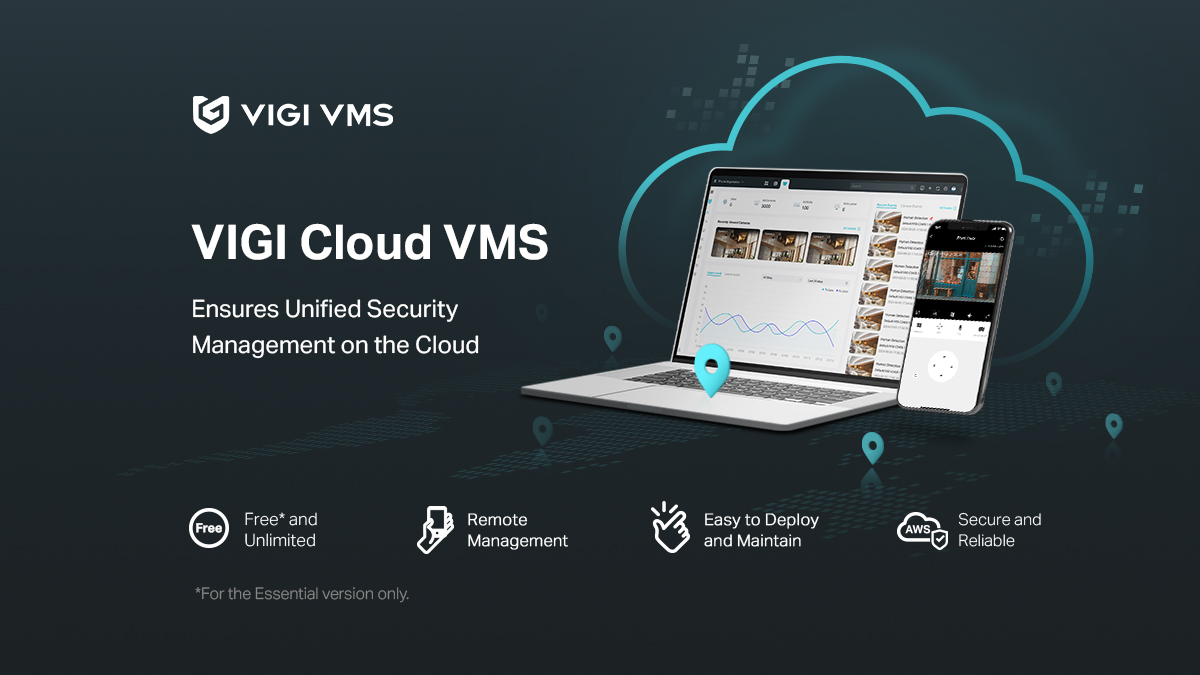
TP-Link VIGI VMS is designed to support centralised video surveillance management. It provides features such as live monitoring, playback, event management, user permissions and evidence collection.VIGI offers local and cloud-based management options. Local VMS can be deployed on a suitable Windows-based server, while VIGI Cloud VMS provides cloud-hosted management for supported devices and multi-site environments.
This flexibility can be useful for organisations operating several retail stores, offices, schools or commercial buildings. Instead of managing every location independently, authorised staff can use a central management platform.VIGI VMS also includes tools designed to support project planning and system administration. Features vary by software version and compatible hardware, so installers should verify the required specifications before designing the deployment.
For businesses that want more organised security management, centralised monitoring can make daily surveillance tasks easier to handle.
Where Can You Install TP-Link VIGI CCTV Systems?
TP-Link VIGI cameras can be used in a wide range of environments, provided the selected equipment matches the installation requirements.
Common applications include:
- Retail stores: Monitor entrances, checkout counters, customer areas and stockrooms.
- Warehouses: Improve visibility across storage sections, loading docks and access points.
- Offices: Monitor reception areas, corridors, entrances and shared workspaces.
- Restaurants and cafes: Cover customer areas, entrances, kitchens and external access points where appropriate.
- Schools and educational facilities: Monitor approved entrances, external boundaries and common areas.
- Car parks: Monitor vehicle movement, pedestrian access and designated parking areas.
- Residential properties: Monitor driveways, gates, garages, entrances and outdoor spaces.
Camera selection should always depend on the environment. For instance, an outdoor camera needs appropriate weather protection, while an indoor camera may prioritise discreet placement and suitable viewing angles.
Businesses should also consider Australian privacy obligations when installing CCTV, particularly when cameras capture employees, customers, neighbouring properties or public spaces.
TP-Link VIGI CCTV for Australian Homes and Businesses
Security requirements vary considerably across Australia. A small suburban business may need a simple camera system, while a large commercial facility could require multiple recording devices and centralised monitoring.For homeowners, VIGI cameras can help monitor entrances, garages, driveways and outdoor areas. A combination of fixed cameras and suitable recording equipment can provide continuous surveillance, depending on the selected configuration.
For small businesses, a four-channel or eight-channel NVR may be sufficient for monitoring important areas. Retail stores, cafes and offices can benefit from cameras positioned to cover entrances, payment areas and stock storage locations. Larger commercial properties may require 16-channel or higher-capacity recording systems. These installations need careful planning to ensure that camera coverage, network bandwidth and storage capacity meet operational requirements.
Australian weather conditions should also influence equipment selection. Outdoor cameras need appropriate IP-rated protection, and installations exposed to extreme heat, rain, dust or direct sunlight should use equipment and mounting locations suitable for those conditions.
The best CCTV solution is not necessarily the one with the highest number of cameras. It is the system that provides useful coverage of the areas that matter most.
Storage, Recording and Video Playback
Reliable recording is essential because live monitoring alone cannot provide a complete security record. If an incident occurs when nobody is watching, recorded footage may help users review what happened.TP-Link VIGI NVRs provide centralised recording and playback for supported network cameras. Users can configure recording schedules and access stored footage through compatible interfaces.
Different recording options may be available depending on the camera and NVR model. These can include continuous recording, motion-triggered recording and event-based recording.
Video compression also plays an important role in storage management. Selected VIGI devices support H.265+ and other compression formats, helping reduce storage and bandwidth requirements under suitable conditions.
The actual recording period depends on several factors, including:
- Number of connected cameras.
- Video resolution and frame rate.
- Recording schedule.
- Compression settings.
- Motion activity and scene complexity.
- Available hard drive capacity.
For example, a system recording continuously from several high-resolution cameras will generally require more storage than a smaller system configured for event-based recording..
TP-Link VIGI vs Traditional CCTV Systems
Traditional CCTV systems often use different camera technologies, recording equipment and management arrangements. Modern IP-based surveillance systems provide additional flexibility through network connectivity and software integration.
TP-Link VIGI is an IP surveillance ecosystem that combines network cameras, NVRs and management tools. This allows businesses to manage multiple compatible devices through a connected platform.
| Feature | Traditional CCTV Systems | TP-Link VIGI IP CCTV |
|---|---|---|
| Camera connection | Often coaxial cabling | Ethernet networking |
| Power options | Separate power or specialised cabling | PoE on compatible models |
| Remote monitoring | Depends on recorder capabilities | VIGI App and supported VMS options |
| Video analytics | Depends on system | AI features on selected models |
| Central management | Varies by equipment | VIGI VMS options |
| Expansion | Depends on recorder capacity | Depends on NVR channels and network design |
| Video recording | DVR or other recording equipment | Network Video Recorder |
| Camera selection | Depends on system type | Dome, turret, bullet, PTZ and other options |
Neither technology is automatically the right choice for every property. Existing analogue infrastructure may make a traditional system more practical in some situations, while a new installation may benefit from the flexibility of IP cameras.
The important factor is choosing a system that meets the property’s coverage, recording, connectivity and long-term maintenance requirements.
How to Choose the Right TP-Link VIGI CCTV System
Selecting the right CCTV system starts with understanding what needs protection. Before purchasing cameras, consider the property’s layout, important access points and areas where security incidents are most likely to occur.
The first step is determining how many cameras are required. Walk around the property and identify entrances, driveways, corridors, storage areas and external boundaries. This will help establish the camera positions and viewing angles.
Next, choose the appropriate resolution and lens. Higher resolution can provide more detail, but the lens and installation distance also affect the final image. A wide-angle camera may suit general coverage, while a narrower lens can be more appropriate for monitoring a specific area.
The third consideration is the recording system. Select an NVR with enough channels for the planned cameras and some room for future expansion. Check its decoding capacity, incoming bandwidth, PoE budget and supported hard drive capacity.
You should also consider night vision, intelligent detection, weather protection and remote monitoring requirements.
| Requirement | What to Consider |
|---|---|
| Small residential property | Suitable 4-channel camera and NVR setup |
| Small retail shop | 4 to 8-channel surveillance system |
| Office or warehouse | 8 to 16-channel or larger system |
| Multi-site business | Centralised VIGI VMS management |
| Outdoor monitoring | Weather-rated cameras |
| Remote or off-grid location | Compatible 4G and solar-powered solutions |
| Advanced monitoring | Models with the required AI analytics |
These are general planning examples rather than fixed product recommendations. The final configuration should be based on a site assessment and the specifications of the selected equipment.
Professional CCTV Installation and Maintenance
Even high-quality cameras cannot deliver their full potential when they are installed incorrectly. Camera positioning, network configuration, recording settings and system testing all affect the performance of a CCTV installation.A professional installer starts by assessing the property and identifying the areas that need monitoring. This includes checking mounting positions, cable routes, lighting conditions, network infrastructure and power requirements.
After selecting suitable cameras and recording equipment, the installer configures the system, connects the cameras, adjusts viewing angles and tests live video and recording functions.Maintenance is equally important. CCTV systems should be checked periodically to ensure cameras remain clean, recordings are working and remote access is available. Firmware updates and password reviews can also help maintain system security.
Businesses should keep their recording equipment in a suitable, secure and ventilated location. Network connections and storage devices should also be inspected when carrying out routine maintenance.Working with an experienced CCTV installation provider helps ensure that the system is designed around the property’s needs rather than simply installing cameras wherever convenient.
Benefits of Investing in TP-Link VIGI CCTV Systems
Investing in a professionally designed CCTV system can provide several practical advantages for homeowners and businesses.
One important benefit is improved visibility. Cameras placed at suitable locations allow property owners to monitor entrances, external areas and important business operations.Another advantage is easier incident review. Recorded footage can help users investigate incidents, understand what happened and provide relevant evidence to authorised parties when appropriate.
Intelligent detection features on selected VIGI models can also help users identify specific events without relying entirely on manual video monitoring.Remote access provides additional convenience by allowing authorised users to view supported devices from compatible mobile devices or computers.The flexibility of the VIGI product range is another consideration. Customers can select different camera types, NVR capacities and management options according to their current needs.
TP-Link Australia’s business surveillance warranty policy also lists a three-year warranty for applicable VIGI business surveillance products, subject to its terms and conditions. This provides an additional consideration when comparing equipment for a long-term installation.The overall value of a CCTV system depends on the equipment, installation quality, maintenance and how effectively the cameras cover the areas that matter.
Are TP-Link VIGI Cameras Worth Buying in Australia?
For customers looking for an IP-based surveillance solution, TP-Link VIGI is worth considering. Its range combines different camera designs, NVR recording options, remote monitoring and management software in one product ecosystem.
The system can suit small businesses that need straightforward monitoring as well as larger organisations that require more cameras and centralised management.
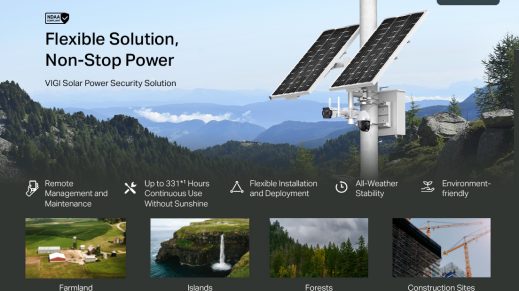
Its PoE options can simplify compatible installations, while selected AI-enabled cameras provide additional monitoring capabilities. The availability of solar and 4G products also creates options for certain locations where traditional wired infrastructure may be difficult to install.
However, the right system depends on the project. Buyers should compare individual camera specifications, NVR compatibility, storage requirements and the features they actually need. They should also confirm Australian product availability and warranty eligibility before purchasing.
For the best results, choose equipment based on a proper site assessment and consider professional installation. A well-planned system can provide more useful coverage and a better long-term security solution than simply purchasing cameras based on resolution or price.
Conclusion
TP-Link VIGI CCTV systems offer a flexible approach to modern security monitoring in Australia. With a range of network cameras, NVRs, PoE options, intelligent detection features and centralised management software, the product range can support different residential and commercial surveillance requirements.
Professional installers may recommend VIGI because it combines practical installation options with remote monitoring and scalable system configurations. Features such as high-resolution imaging, selected AI analytics, low-light technology and VIGI VMS can help businesses manage their security more effectively. However, the best results come from selecting the right equipment for the property and ensuring that every camera is correctly positioned and configured.
If you are planning a new CCTV installation or upgrading an existing system, explore the TP-Link VIGI range at Buy Security Cameras Australia to find suitable cameras and recording solutions for your security requirements.
Frequently Asked Questions
1. Are TP-Link VIGI CCTV cameras suitable for Australian businesses?
Yes. TP-Link VIGI offers network cameras, NVRs and management solutions designed for surveillance applications such as retail stores, offices, warehouses, schools and restaurants. The appropriate products depend on the property’s size, monitoring requirements and environmental conditions.
2. Do TP-Link VIGI cameras support remote viewing?
Yes. Supported VIGI cameras and NVRs can be accessed through the TP-Link VIGI App. After configuring the system and remote access, authorised users can view live footage, review recordings and manage supported features through compatible mobile devices.
3. What is the difference between TP-Link VIGI cameras and NVR systems?
A VIGI camera captures video footage, while a Network Video Recorder receives, manages and stores video from connected cameras. An NVR also provides functions such as playback, live viewing and recording management. Both components work together to create a complete IP CCTV system.
4. Do TP-Link VIGI CCTV cameras support night vision?
Yes. Depending on the model, VIGI cameras offer infrared night vision, full-colour low-light imaging or other illumination technologies. Selected ColorPro models are designed to capture colour images in very low-light conditions. Buyers should check individual product specifications before purchasing.
5. How long is the warranty on TP-Link VIGI CCTV systems in Australia?
TP-Link Australia’s published business surveillance warranty policy lists a three-year warranty for cameras, video recorders, NVR hard drives, solar power systems and accessories. Warranty eligibility is subject to the applicable terms, purchase conditions and authorised Australian or New Zealand product requirements.