



High quality hard drives, specifically tested for use with Hikvision, Dahua, Uniview, Hilook, Vivotek, Axis, Hanwha NVRs / DVRs.
1. Capacity Options
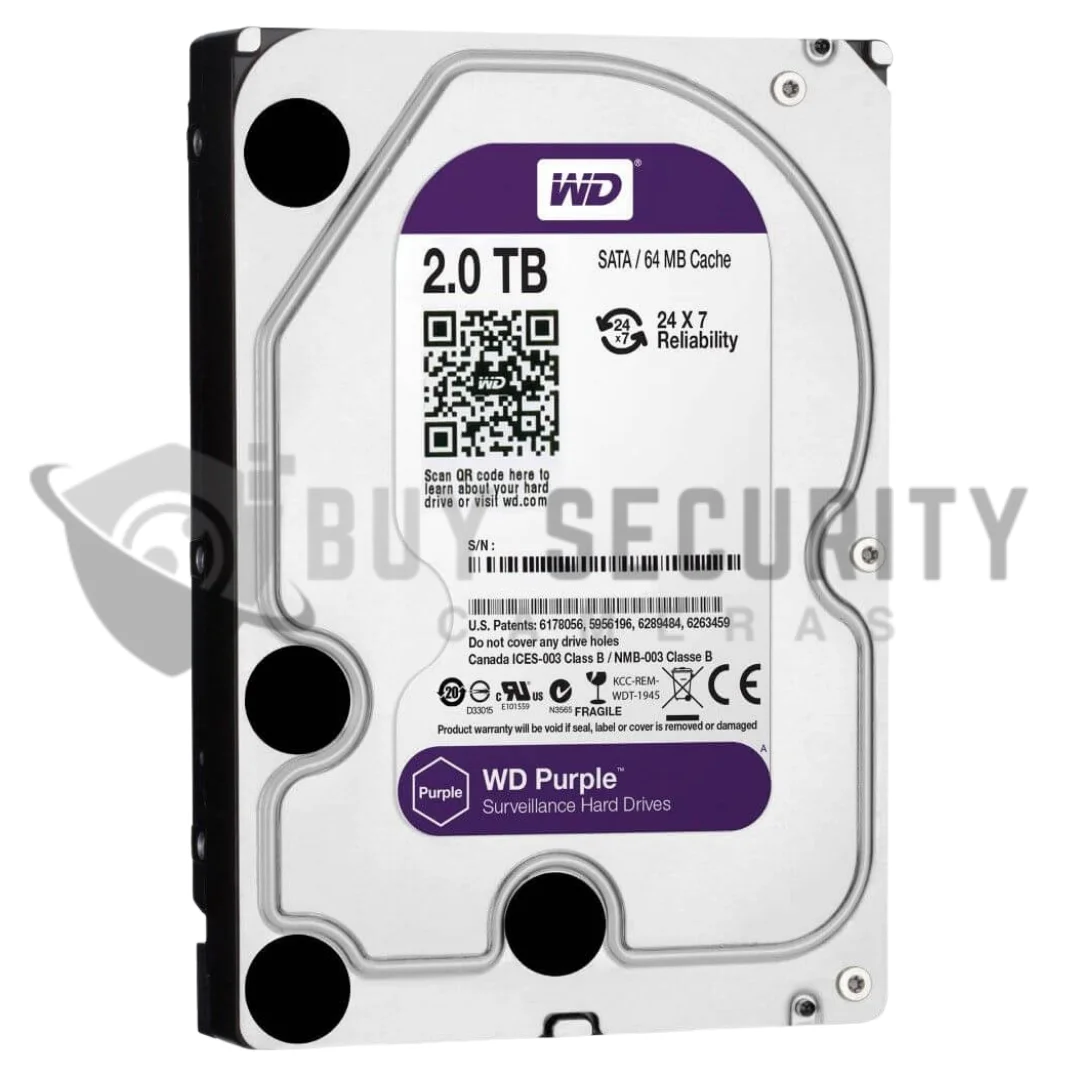
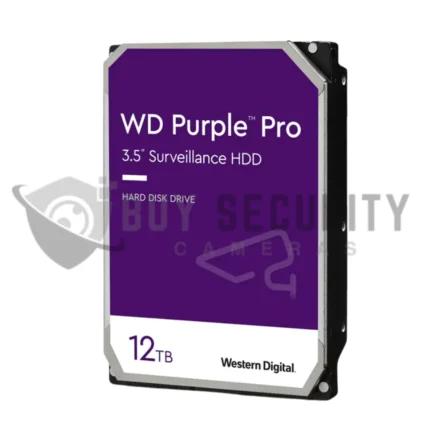
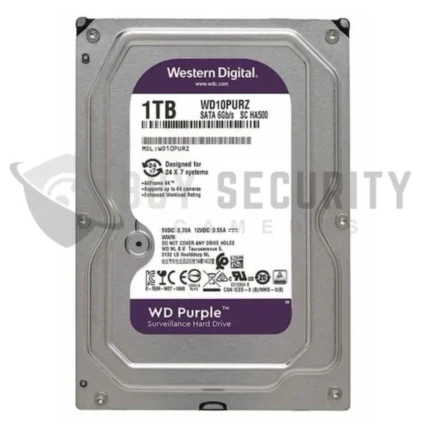
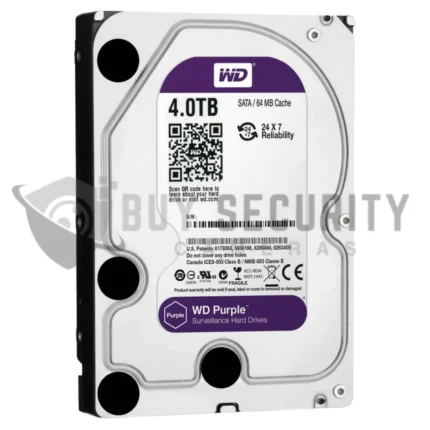
- WD Purple: Offers a wide range of capacities, from 1TB up to 22TB (depending on model and availability).
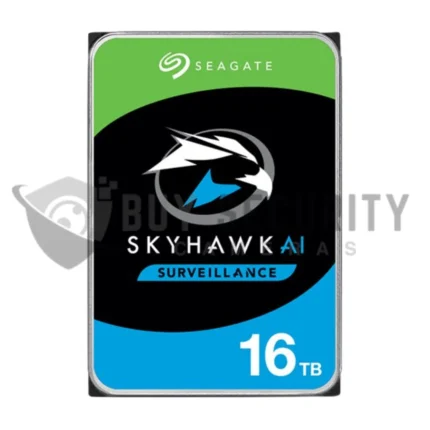
- Seagate SkyHawk: Offers capacities from 1TB to 20TB, with some models like SkyHawk AI designed specifically for AI-enhanced surveillance systems.
2. Optimised for Surveillance
- WD Purple: Uses AllFrame technology, which improves the recording accuracy by reducing frame loss and supports up to 64 HD cameras. It’s optimized for continuous 24/7 operation.
- Seagate SkyHawk: Includes ImagePerfect firmware to ensure smooth, continuous recording without frame drops and also supports up to 64 HD cameras.
3. Reliability and Durability
- WD Purple: Designed for long-term reliability, with a Mean Time Between Failures (MTBF) of up to 1 million hours and a 3-year warranty.
- Seagate SkyHawk: Has a similar MTBF rating of 1 million hours and a 3-year warranty for most models. SkyHawk AI models offer advanced durability with better support for AI workloads.
4. Workload Rating
- WD Purple: Designed for up to 180 TB/year workload, meaning it can handle high amounts of data writes from surveillance systems.
- Seagate SkyHawk: Designed for up to 180 TB/year workload, similar to WD Purple in this regard.
FAQs
What is a 2TB surveillance hard drive?
A 2TB surveillance hard drive is a hard drive made for CCTV systems that record all the time. It is designed for DVRs and NVRs, not general desktop use.
Can I use this 2TB HDD in a DVR or NVR?
Yes, this type of hard drive is designed for CCTV recorders such as DVRs and NVRs. It is commonly used in systems from brands like Hikvision and Dahua.
Is a surveillance hard drive different from a normal desktop hard drive?
Yes. A surveillance HDD is designed for 24/7 video recording. Desktop hard drives are usually made for lighter, less constant workloads. WD specifically says desktop drives are not built for the harsh always-on surveillance environment.
Is 2TB enough for my CCTV system?
Sometimes yes, sometimes no. It depends on the number of cameras, resolution, frame rate, compression and how many days of footage you want to keep. The best way to check is with the CCTV Storage Calculator.
How Much Storage Do You Need?
Use this quick guide to estimate how much storage you may need for 6MP and 8MP CCTV cameras using H.265 compression.
| Number of Cameras | 14 Days Recording | 30 Days Recording |
|---|---|---|
| 2 Cameras | 2TB – 4TB | 4TB – 6TB |
| 4 Cameras | 4TB – 6TB | 8TB – 10TB |
| 6 Cameras | 6TB – 8TB | 12TB – 16TB |
| 8 Cameras | 8TB – 10TB | 16TB+ |
These estimates assume 6MP to 8MP cameras recording at around 15fps using H.265 or H.265+. Actual storage time depends on bitrate, motion levels, scene activity, and recording settings.


Reviews
There are no reviews yet.