

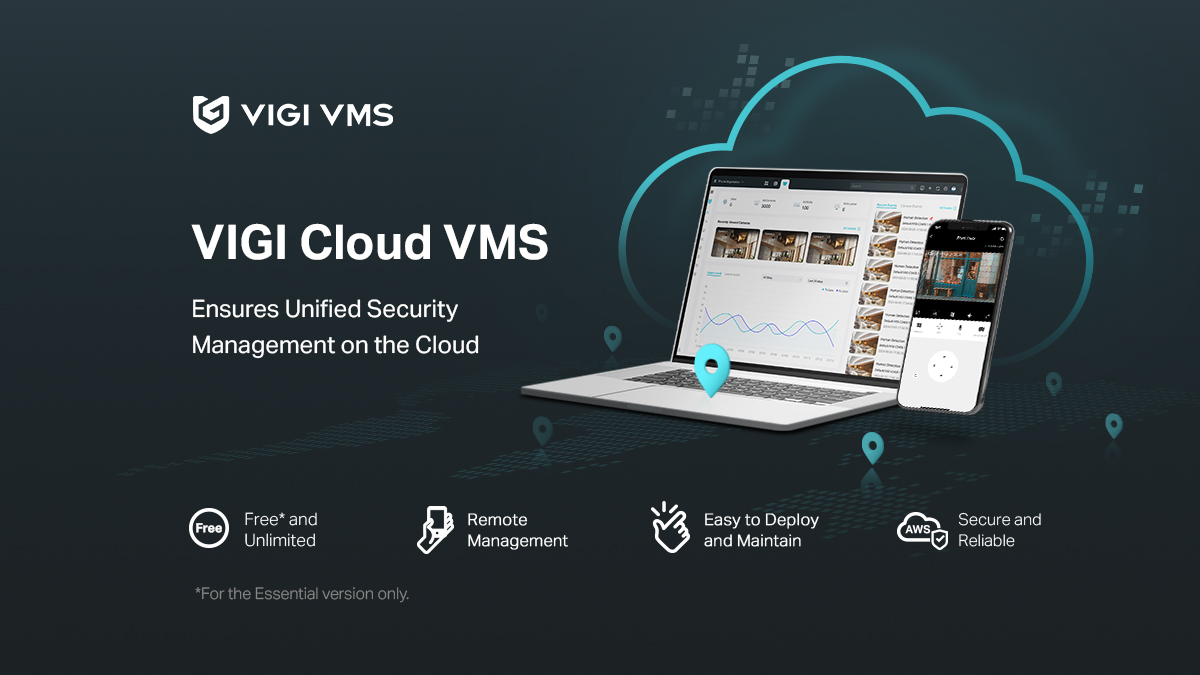


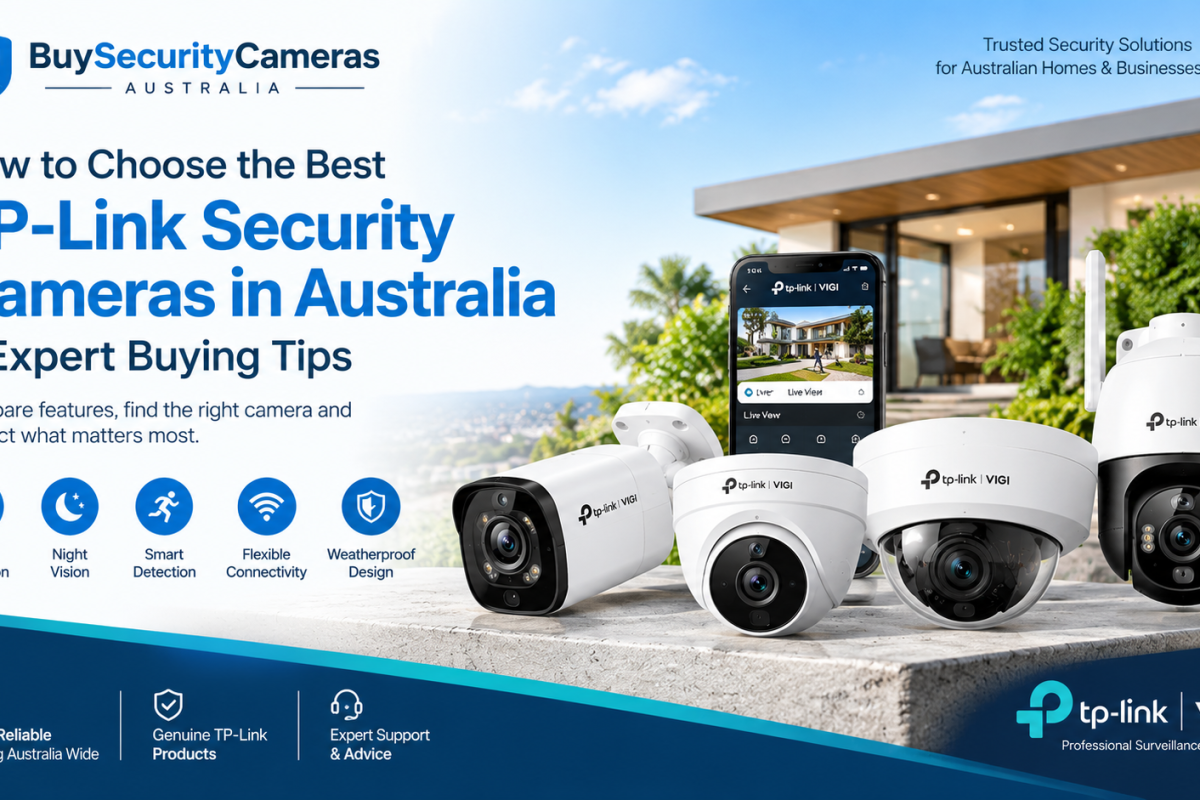
Choosing the right security camera is essential for protecting your home or business. TP-Link offers a range of surveillance solutions, including VIGI IP cameras, outdoor cameras, 4G cameras and professional CCTV systems.Whether you need security monitoring for a residential property, office, retail store or warehouse, selecting the right camera depends on image quality, night vision, smart detection, connectivity and storage.
In this guide, we’ll explain how to choose the best TP-Link security cameras in Australia and which features to consider before buying.
Choose the Right Camera Resolution
Camera resolution determines the level of detail captured in recorded footage. TP-Link offers different resolutions to suit various surveillance requirements.
- 2MP: Suitable for basic security monitoring.
- 4MP: Ideal for homes, offices and general business surveillance.
- 5MP: Provides additional image detail.
- 8MP 4K: Suitable for areas requiring higher-resolution footage.
For better identification and monitoring, consider a 4MP or 8MP security camera based on your coverage requirements.
Check Night Vision Technology
Night vision is essential for monitoring properties after dark. TP-Link security cameras offer different low-light technologies depending on the model.
Important features include:
- Infrared night vision for dark environments.
- Full-colour night vision on supported models.
- Advanced low-light image processing.
- Built-in lighting on selected cameras.
For outdoor security, choose a camera that provides suitable night vision distance and image clarity.
Look for Smart Detection Features
Modern TP-Link VIGI cameras offer intelligent security features that help identify important activities.
Depending on the model, these include:
- Human detection
- Vehicle detection
- Motion detection
- Intrusion detection
- Line-crossing detection
- Region entrance and exit detection
These features are useful for monitoring business premises, entrances, parking areas and restricted locations.
Select the Right Camera Type
Different camera designs suit different installation environments.
| Camera Type | Best Application |
|---|---|
| Bullet Camera | Outdoor entrances and building boundaries |
| Turret Camera | Homes, offices and commercial properties |
| Dome Camera | Shops and indoor spaces |
| PTZ Camera | Large monitoring areas |
| Panoramic Camera | Wide-area surveillance |
Choose a camera according to your property layout, viewing angle and installation requirements.
Compare PoE, WiFi and 4G Connectivity
Connectivity affects camera installation and performance.
PoE Cameras: Use one Ethernet cable for power and network connectivity. They’re suitable for permanent CCTV installations and multi-camera systems.
WiFi Cameras: Connect through a wireless network and offer flexible installation where Ethernet cabling is difficult.
4G Cameras: Use mobile network connectivity and are useful for farms, construction sites and remote locations without fixed internet access.
Choose the connection type that works best with your property’s network infrastructure.
Consider Storage and Recording Options
Before purchasing a security camera, check its recording and storage capabilities.
Common options include:
- MicroSD card storage on supported models.
- NVR recording for multiple IP cameras.
- Centralised video management.
- Continuous and motion-triggered recording where supported.
For commercial properties, an NVR system can provide convenient recording management and video playback.
Check camera and NVR compatibility before purchasing.
Best TP-Link Security Cameras for Different Applications
The right TP-Link camera depends on your security requirements.
For Homes: Choose cameras with clear resolution, night vision, motion detection and convenient remote monitoring.
For Offices and Retail Stores: Consider VIGI cameras with intelligent detection, PoE connectivity and compatible NVR recording.
For Warehouses: Look for high-resolution cameras, suitable viewing angles and reliable night vision.
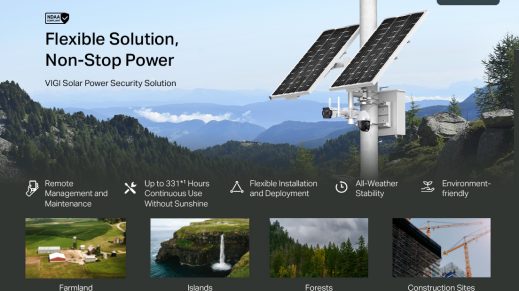
For Farms and Remote Locations: Consider compatible 4G and solar-powered surveillance solutions where fixed network infrastructure is unavailable.
Important Things to Check Before Buying
Before selecting a TP-Link security camera, consider these important factors:
- Camera resolution and image quality.
- Night vision performance.
- Human and vehicle detection capabilities.
- Indoor or outdoor installation requirements.
- PoE, WiFi or 4G connectivity.
- Storage and NVR compatibility.
- Camera warranty and product support.
Comparing these specifications will help you choose a suitable CCTV solution without paying for unnecessary features.
Why Choose TP-Link Security Cameras?
TP-Link offers surveillance products for residential and professional applications. Its VIGI range provides different IP cameras and compatible recording solutions for businesses and commercial properties.Depending on the selected model, important features include high-resolution imaging, intelligent detection, remote monitoring, night vision and flexible connectivity.
If you’re looking for reliable surveillance equipment, explore the available TP-Link security cameras in Australia at Buy Security Cameras Australia.
Compare different models to find the right solution for your property and security requirements.
Frequently Asked Questions
1. Which TP-Link security camera is best for home use?
The best option depends on your requirements. Consider a camera with 4MP or higher resolution, night vision, motion detection and remote monitoring.
2. Are TP-Link VIGI cameras suitable for businesses?
Yes. VIGI cameras are designed for professional surveillance and offer features such as high-resolution recording, intelligent detection and NVR compatibility on supported models.
3. Do TP-Link security cameras support night vision?
Yes. Selected models offer infrared night vision, full-colour night vision and advanced low-light technology.
4. Are TP-Link cameras available with 4G connectivity?
Yes. Selected TP-Link VIGI models support 4G connectivity, making them suitable for locations without fixed broadband access.
5. What is better, a PoE or WiFi security camera?
PoE cameras are suitable for permanent installations and professional CCTV systems. WiFi cameras provide more installation flexibility where Ethernet cabling is difficult.
6. Can I monitor TP-Link security cameras remotely?
Yes. Compatible TP-Link cameras support remote viewing through their respective applications or management software, subject to network connectivity and configuration.
7. Do TP-Link security cameras support 4K resolution?
Selected TP-Link models offer 8MP 4K resolution. Always check individual product specifications before purchasing.
8. Where can I buy TP-Link security cameras in Australia?
You can explore different TP-Link security camera models at Buy Security Cameras Australia and compare their features and specifications.
Conclusion
Choosing the best TP-Link security camera in Australia depends on your property, budget and surveillance requirements. Compare resolution, night vision, smart detection, connectivity and storage before making your decision.
Explore the TP-Link Security Camera Collection at Buy Security Cameras Australia to find suitable surveillance solutions for your home or business.