



TP-Link WiFi Range Extenders
If your wireless camera keeps dropping out, freezing, or showing “offline” right when you need the footage most — the camera probably isn’t the problem. Your WiFi signal is. A TP-Link range extender closes the dead zone between your router and the camera, rebroadcasting full-strength signal to garages, sheds, driveways, and upper floors your router can’t reach alone. Plug-and-play setup. 3-year Australian warranty. Genuine AU stock.
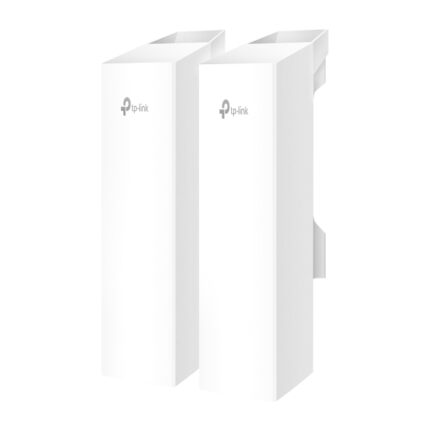


TP-Link WiFi Range Extenders — Stop Blaming the Camera When It's the Signal
Here's a pattern we see constantly: someone installs a wireless security camera at the back shed, garage, or far corner of the yard. It works fine for a week. Then it starts dropping out. Footage freezes mid-clip. The app shows "camera offline" at the exact moment something actually happens.
The instinct is to blame the camera. Nine times out of ten, it's the WiFi signal that's failing — not the hardware.
Walls, distance, brick, metal roofing, and ordinary household interference all degrade a wireless signal long before it reaches the edge of your property. A TP-Link WiFi range extender sits between your router and the dead zone, picks up the existing signal, and rebroadcasts it at full strength — closing the gap without running a single cable.
If your cameras are wired instead, the same dead-zone logic applies to your network hardware — check out our TP-Link switches range for PoE solutions that power cameras over cable rather than WiFi.
Is Your WiFi Actually the Problem? Quick Self-Check
Before buying anything, run this check:
- Walk to the camera position with your phone's WiFi settings open. One or two bars (or no connection) confirms a weak signal zone.
- Count the walls between your router and the camera. Each brick or concrete wall can cut signal strength by 50% or more.
- Check the distance. Standard household WiFi reliably covers 10–15 metres indoors — less through solid walls, less again outdoors.
If any of that sounds familiar, the fix isn't a new camera. It's better signal coverage.
Indoor Extender or Outdoor Access Point — Which Do You Need?
TP-Link Range Extender — For One Stubborn Dead Zone Indoors
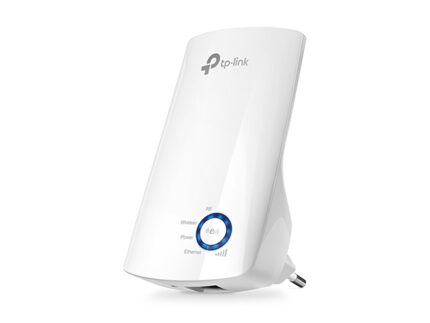
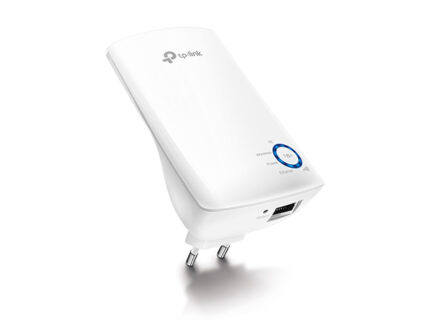
The TP-Link TL-WA850RE 300Mbps universal WiFi range extender is the simple, affordable fix for a single problem area — a back bedroom, a garage that shares a wall with the house, a home office at the far end of a hallway. Plug it into a powerpoint roughly halfway between your router and the dead zone, pair it with a WPS button press, and it's done. Compact, wall-mounted, no technical setup required.
This is the right call when the dead zone is one room, one wall, one stubborn corner — not a wide outdoor area.
TP-Link Outdoor Access Point — For Permanent, Serious Outdoor Coverage
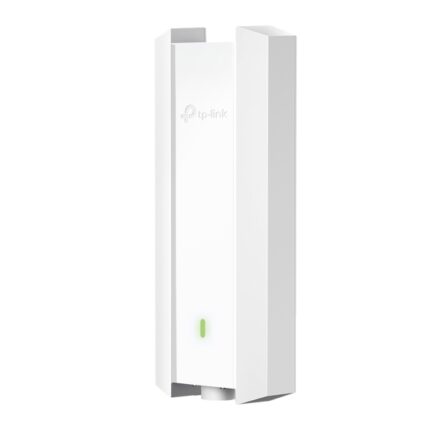
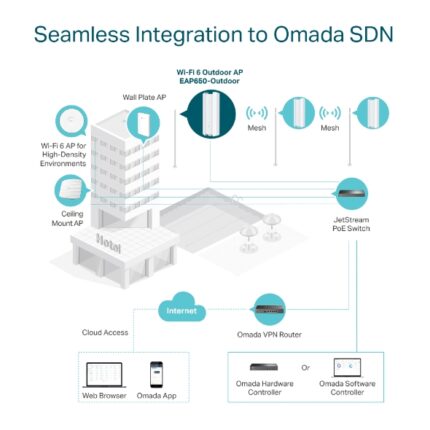
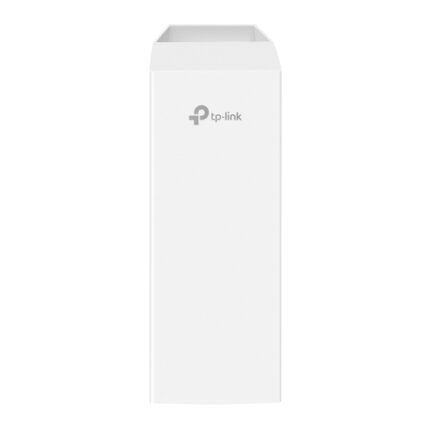
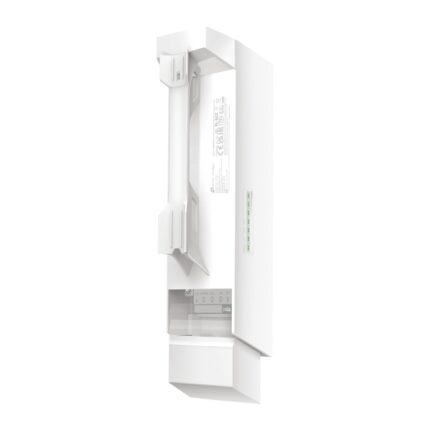
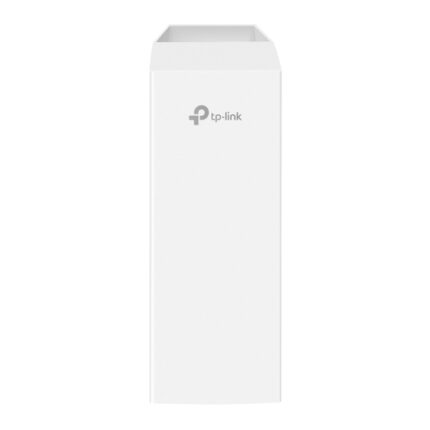
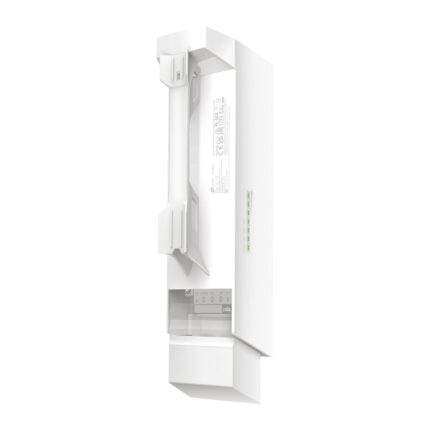
When the problem isn't one room but an entire yard, driveway, or detached structure, an indoor extender pushed outdoors will always struggle. The TP-Link EAP650 AX3000 ceiling-mount outdoor WiFi 6 access point is purpose-built for this scenario — weatherproof housing, PoE powered (single cable for power and data), WiFi 6 speed and range, and engineered specifically for permanent exterior installation.
For multiple wireless cameras spread across a larger property — a driveway camera, a shed camera, a side-gate camera — a dedicated outdoor access point delivers consistently stronger, more reliable coverage than relying on a single indoor extender to stretch across the whole exterior.
Extender vs Wired Camera — An Honest Answer
A WiFi extender is a genuinely good fix when running a cable simply isn't realistic — a freestanding shed, a rental property, a heritage building, or any position where trenching or wall-chasing cable isn't an option.
But if cabling is achievable, a wired PoE camera connected through a TP-Link switch will always out-perform any wireless setup. No interference, no signal degradation, no competing with the neighbour's WiFi. Wireless extenders solve a real problem — they're not a substitute for cabling when cabling is genuinely possible.
If you're building a wired commercial-grade system from scratch, our TP-Link VIGI security cameras range pairs directly with PoE switches for the most reliable connection available.
Where Range Extenders Make the Biggest Difference
| Problem Area | Why Signal Fails Here | Best Fix |
|---|---|---|
| Garden shed / detached garage | Exterior walls + distance from router | Range extender (close) or outdoor AP (far) |
| Upper floor / far bedroom | Multiple walls + floor between router and device | Range extender |
| Driveway / front gate camera | Long distance, often outdoors | Outdoor access point |
| Side yard or rear boundary | Brick walls + distance combined | Outdoor access point |
| Home office at the back of the house | Walls + interference from other devices | Range extender |
| Multiple outdoor cameras, wide property | Single extender can't cover full perimeter | Outdoor access point |
Technical Specifications at a Glance
- TL-WA850RE: 300Mbps · 2.4GHz · Wall-mount plug-in design · WPS one-touch setup · Universal compatibility with any router brand
- EAP650: AX3000 WiFi 6 · Ceiling/wall mount · PoE powered · Weatherproof outdoor-rated housing · Omada SDN compatible for centralized management
- Setup: WPS push-button or app/web-based configuration
- Compatibility: Works with any existing router — not TP-Link exclusive
- Power: Direct plug-in (extender) · PoE (outdoor access point)
- Warranty: 3-year Australian manufacturer warranty
Complete Your Network — Wired or Wireless
Whatever's causing your dead zone, here's how to close it properly:
- TP-Link switches — If cabling is an option, a PoE switch delivers more reliable camera performance than any wireless extender ever will
- TP-Link ColorPro IP cameras — Full-colour night vision cameras that pair with either a wired PoE connection or a boosted wireless signal from your new extender
- TP-Link VIGI security cameras — Browse the complete VIGI camera range to plan your full system, wired or wireless