



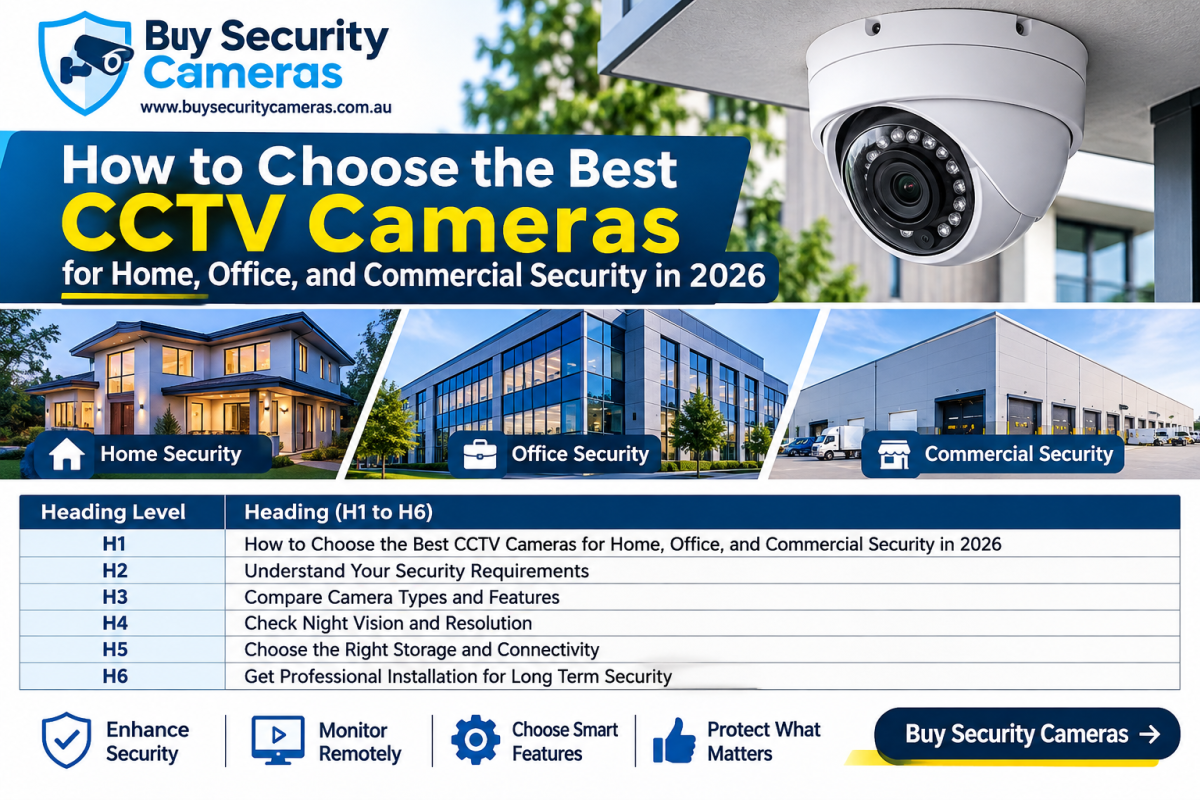
Security is important for homes, offices, and businesses. Installing the right CCTV cameras helps protect valuable items, monitor activities, and improve safety. Modern security cameras offer features such as HD video, night vision, motion detection, and remote viewing.
However, choosing the best CCTV cameras in 2026 can be difficult because many models and technologies are available. The right choice depends on your property size, security needs, camera quality, and budget. Choosing reliable security camera solutions in Australia can help you find suitable products for different security requirements.
1. Understand Your Security Needs and Choose the Right Camera
Before purchasing CCTV cameras, identify the areas you want to monitor. Every property has different security requirements.
CCTV Cameras for Home Security
Home CCTV cameras help protect entrances, garages, driveways, and backyards. For most homes, 4MP or 5MP IP cameras are suitable options. You can also choose cameras with mobile viewing, motion detection, and night vision.
CCTV Cameras for Office Security
Offices need cameras to monitor reception areas, corridors, entrances, and parking spaces. Dome and turret cameras are popular choices because they offer flexible installation and clear video monitoring.
Commercial CCTV Camera Systems
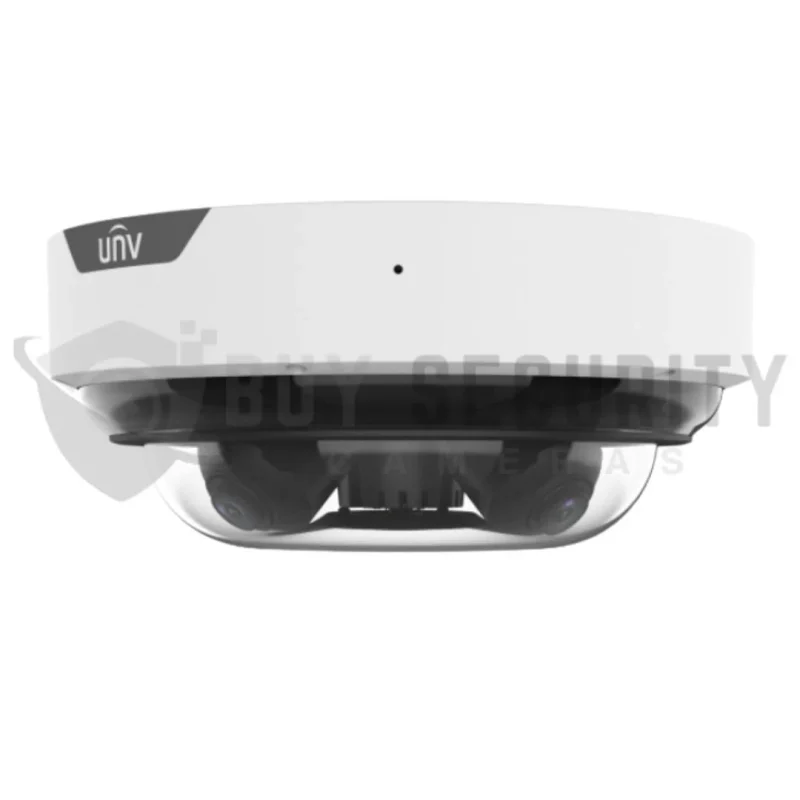
Commercial properties such as warehouses, retail stores, factories, and shopping centres often require multiple cameras. Bullet and PTZ cameras can help monitor outdoor areas, large spaces, and important entrances. Businesses with larger monitoring areas can consider advanced Uniview PTZ network cameras for flexible viewing and camera positioning.
2. Compare CCTV Camera Features and Resolution
Camera features play an important role in choosing a reliable security system. Always compare resolution, night vision, connectivity, and smart detection before making a purchase.
Choose the Right Camera Resolution
Resolution determines how much detail a CCTV camera can capture. Higher resolution cameras provide more image detail but generally require additional storage and network bandwidth.
| Resolution | Best Use |
|---|---|
| 2MP (1080p) | Basic home monitoring |
| 4MP | Homes and offices |
| 5MP | Shops and small businesses |
| 6MP | Detailed security monitoring |
| 8MP (4K) | Large commercial properties |
For everyday security, 4MP and 5MP cameras offer a good balance between image quality and cost. Choose 8MP cameras when you need more detailed footage.
Check Night Vision Performance
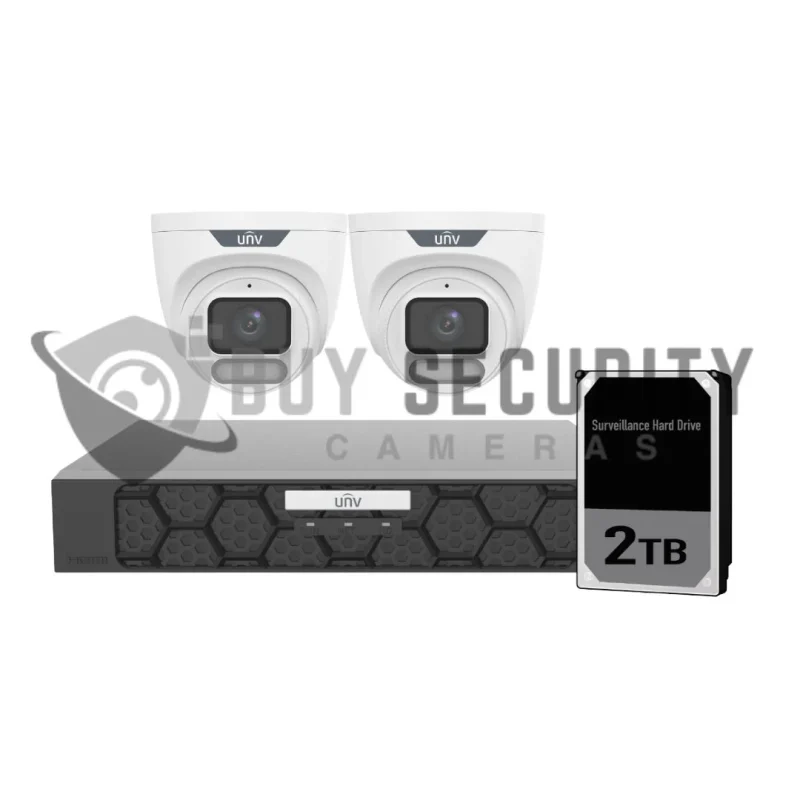
Night vision is important for monitoring properties after dark. Infrared (IR) cameras provide black-and-white footage in low-light conditions, while colour night vision cameras can capture colour images using advanced sensors or built-in lighting.
For improved monitoring in low-light environments, Uniview OwlView smart security cameras are another option to explore. Check the individual model specifications to find the night vision features that match your requirements.
Look for Smart Detection Features
Modern CCTV cameras offer useful smart features, including:
- Human detection
- Vehicle detection
- Motion detection
- Intrusion detection
- Line crossing alerts
These features help reduce unnecessary notifications and make security monitoring easier.
3. Select the Right CCTV Connectivity and Storage
A reliable CCTV system needs a suitable connection and recording solution. You should choose between wired and wireless cameras depending on your installation requirements.
Wired and Wireless CCTV Cameras
Wired IP cameras use network cables to transmit video. Power over Ethernet (PoE) technology allows compatible cameras to receive power and transmit video through one cable.
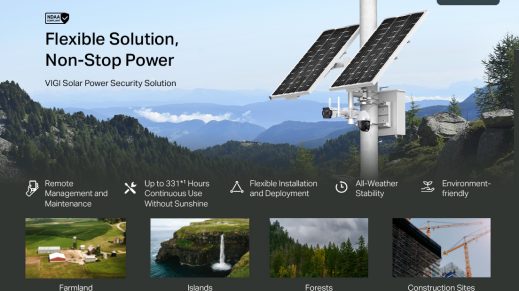
Wireless cameras use Wi-Fi to transmit footage and can be easier to install where running cables is difficult. However, they still need a power source unless they use batteries or solar power.
Choose the Right Recording System
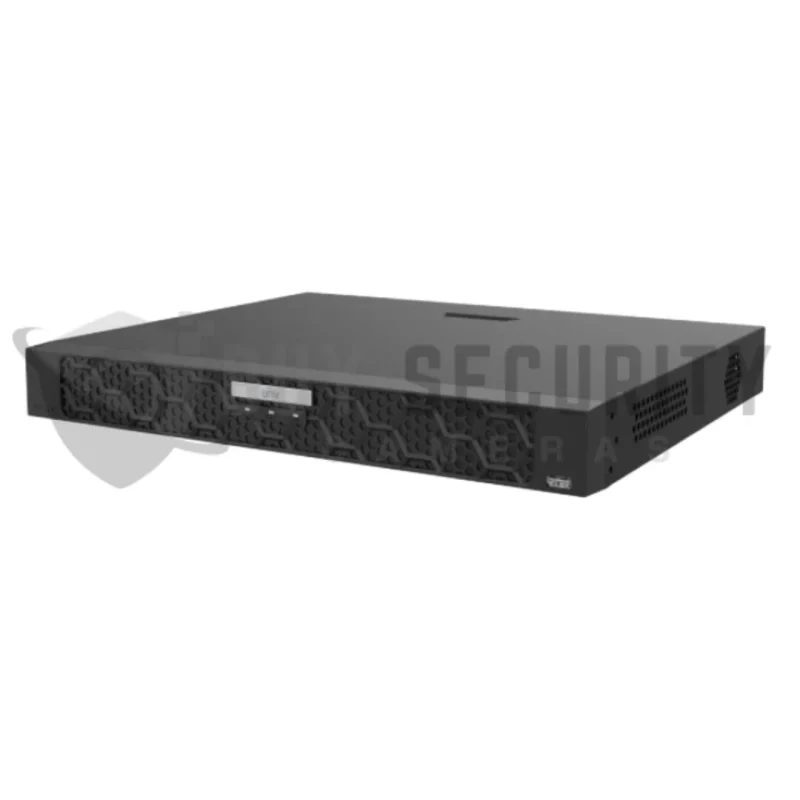
An NVR (Network Video Recorder) is commonly used with IP cameras, while a DVR (Digital Video Recorder) is generally used with analogue CCTV cameras.
Before choosing storage, consider:
- Number of cameras.
- Recording resolution.
- Hard drive capacity.
- Required recording days.
- Continuous or motion-based recording.
Cloud storage is another option for compatible cameras. Always select a storage solution that matches your recording requirements.
4. Check Weather Protection, Installation, and Budget
Outdoor CCTV cameras must handle rain, dust, and changing temperatures. Check the camera’s IP rating before installing it outside.
Choose Weather Resistant Cameras
IP66 and IP67 cameras are popular options for outdoor installations. They offer different levels of dust and water protection, making them suitable for many outdoor security environments when correctly installed.
Consider Camera Installation
Proper installation helps prevent blind spots and improves video coverage. Place cameras near entrances, parking areas, gates, and other important locations.
For larger properties, choose an expandable CCTV system that allows additional cameras to be connected later.
Compare Brands and Warranty
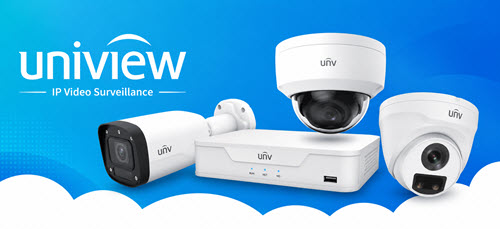
Popular CCTV brands include Dahua, Hikvision, Uniview, and TP-Link VIGI. Compare their features, compatibility, warranty, and technical support before purchasing. You can explore high-quality Uniview CCTV camera systems to compare available camera options for different security installations.
Avoid choosing a camera based only on price. Focus on image quality, reliability, and the security features you actually need.
Conclusion
Choosing the best CCTV cameras for home, office, and commercial security in 2026 requires careful planning. Consider camera resolution, night vision, smart detection, storage, connectivity, and weather protection before making your decision.
A 4MP or 5MP camera system can be suitable for many homes and offices, while larger commercial properties may benefit from 6MP or 8MP cameras and expandable NVR systems.
Explore Buy Security Cameras to find quality CCTV cameras, professional security camera kits, and video surveillance equipment for your security requirements.