



Night security is important for homes, shops, offices, warehouses, and commercial buildings. When people leave a property after working hours, the risk of theft and unauthorised access can increase. However, watching CCTV screens throughout the night is not practical for every business or homeowner.
Motion sensor CCTV cameras offer a smarter way to monitor important areas. They detect movement, trigger recordings, and can send alerts when activity occurs. Combined with night vision and intelligent detection, these cameras help users identify important events without constantly watching live footage.
What Are Motion Sensor CCTV Cameras?
Motion sensor CCTV cameras detect movement within their viewing area. Depending on the model and its settings, they can start recording, send mobile notifications, or activate a connected warning system.
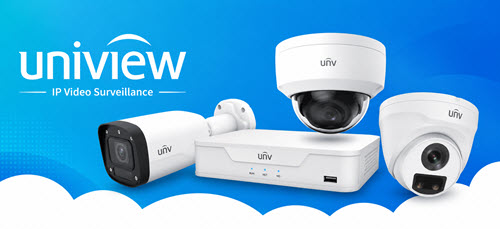
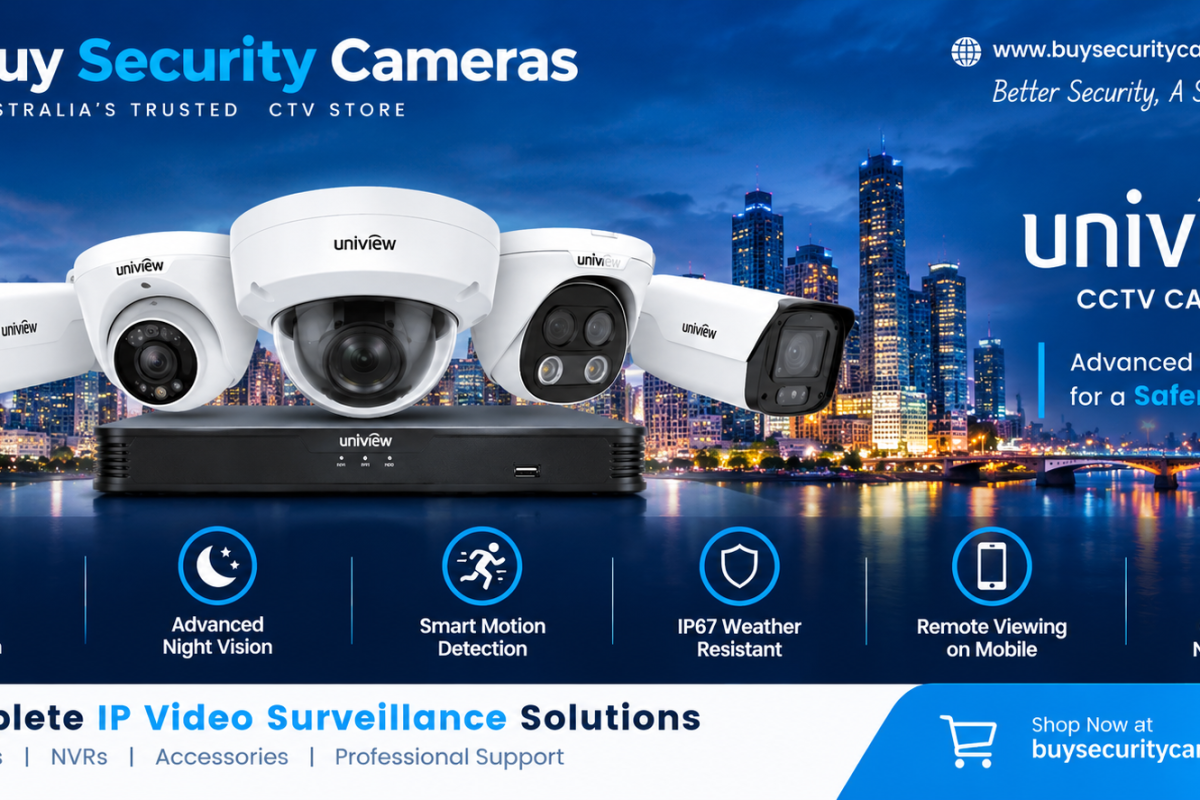
These cameras are useful for monitoring entrances, driveways, parking areas, storage rooms, and outdoor spaces. For better surveillance options, explore our range of Uniview CCTV security cameras designed for different home and business security needs. Instead of reviewing hours of empty footage, users can focus on events that require attention.
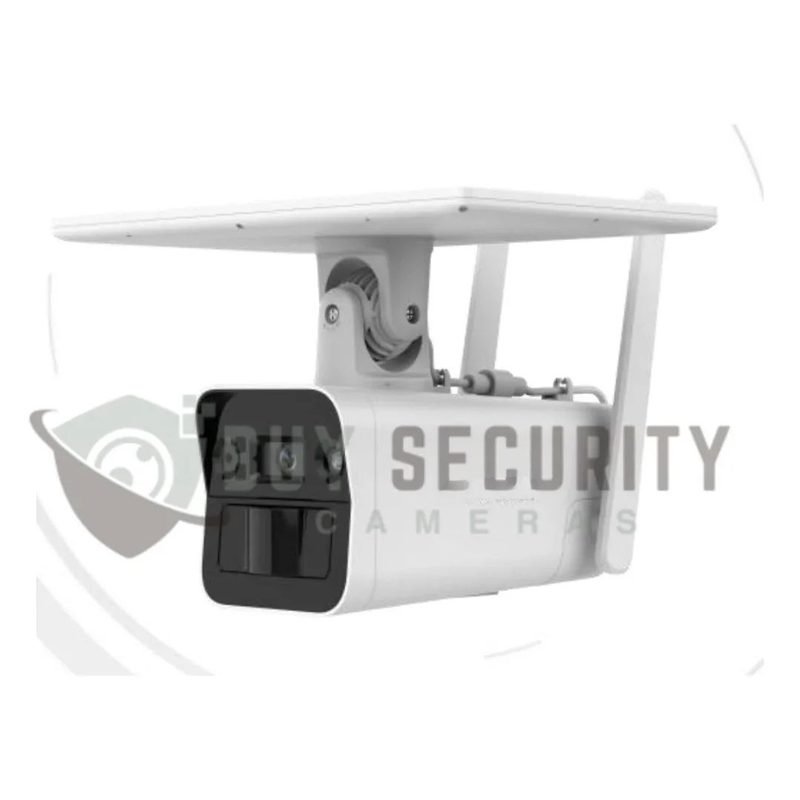
How Motion Detection Works
Most CCTV cameras use video-based detection to identify changes in their field of view. Advanced models may use artificial intelligence to recognise people or vehicles.
Basic Motion Detection
Basic motion detection identifies changes between images. Moving objects, shadows, and other environmental changes may trigger an alert, depending on the camera’s sensitivity settings.
Intelligent Motion Detection
Smart detection features can help distinguish people or vehicles from irrelevant movement. This can reduce unnecessary notifications and make nighttime monitoring more effective.
How Motion Sensor CCTV Cameras
Motion detection helps property owners identify activity during quiet hours and respond more efficiently to possible security problems.
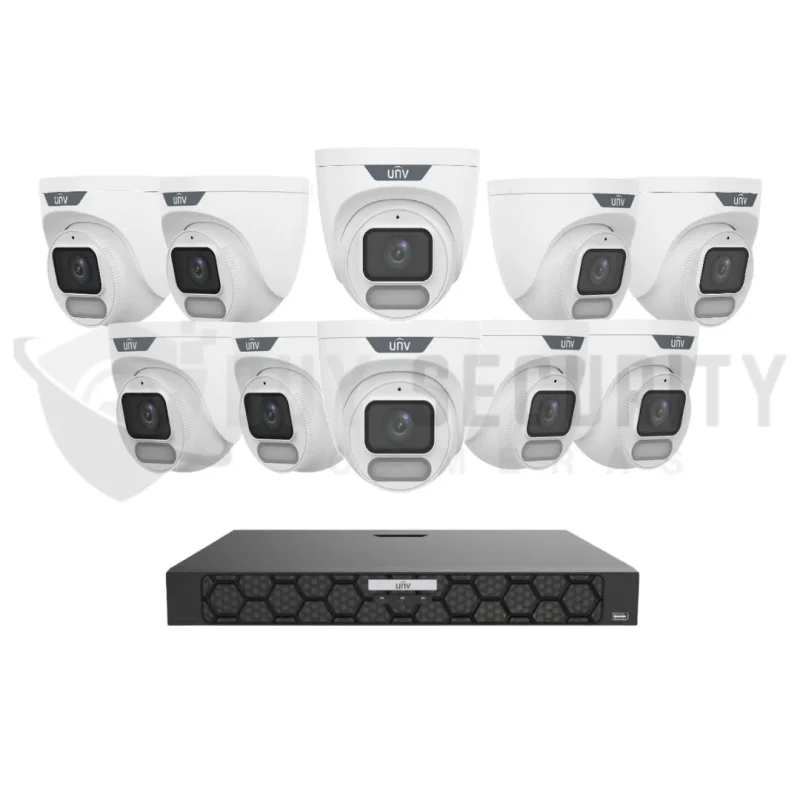
1. Detect Suspicious Movement at Night
Businesses often have long periods when nobody should be present. Motion sensor CCTV cameras can help identify movement near gates, entrances, loading bays, and restricted areas.
Monitor Important Locations
Users can configure detection zones around important entry points. This helps focus attention on areas where unauthorised access could create a security risk.
2. Receive Alerts Without Constant Monitoring
Many modern CCTV systems support mobile notifications when movement is detected. Authorised users can review these alerts without watching camera screens all night.
Respond to Important Events
When an alert arrives, users can check the live view or recorded footage and decide whether further action is needed. Notifications do not always indicate a threat, so checking the event is important.
3. Improve Visibility with Night Vision
Night vision helps cameras capture footage in dark environments. Infrared technology allows compatible cameras to record in low-light conditions, while some models provide colour images with suitable lighting.
Choose Suitable Night Vision
Before buying a camera, check its night vision range, image resolution, and low-light performance. The best choice depends on the distance being monitored and the lighting around the property.
4. Reduce False Motion Alerts
Unnecessary alerts can make security monitoring frustrating. Moving trees, rain, insects, and vehicle headlights may trigger basic motion detection.
Adjust Detection Settings
Set suitable sensitivity levels and detection zones to reduce unwanted notifications. Cameras with human or vehicle detection may provide better results when correctly installed and configured.
5. Save Time When Reviewing Footage
Motion-based recording can make it easier to locate important events. Instead of searching through hours of video, users can review footage associated with detected activity.
Motion Detection vs Continuous CCTV Recording
Both recording methods have benefits. The right option depends on the property’s security needs, storage capacity, and the importance of capturing activity before an incident.
| Feature | Motion-Based Recording | Continuous Recording |
| Recording method | Records or flags detected events | Records throughout the configured period |
| Footage review | Can make event searches quicker | May require more footage review |
| Storage usage | Can reduce storage needs | Usually requires more storage |
| Missed activity risk | Depends on detection settings | Can capture events even without motion alerts |
| Best use | Selected areas and event-focused monitoring | Areas requiring a complete recording history |
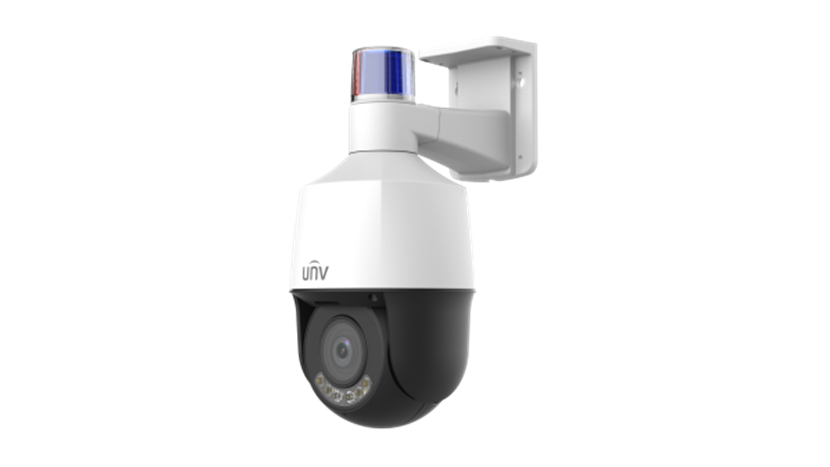
Important Features to Look for in Night Security Cameras
Choosing the right CCTV camera requires more than checking its price. Consider the features that match your property’s security needs.
Night Vision and Image Quality
Choose a camera with suitable resolution and night vision for the area. Clear footage can help users understand what happened during a security incident.
Human and Vehicle Detection
Intelligent detection can help separate relevant activity from ordinary movement. Always check which features the individual camera supports.
Remote Viewing and Alerts
Remote access allows authorised users to check camera footage through compatible devices. An internet connection and correct system configuration may be required.
Weather Protection
For outdoor installations, select cameras with suitable weather resistance. Correct placement also helps protect the equipment and reduce blind spots.
Are Uniview CCTV Cameras Suitable for Night Security?
CCTV Cameras are worth considering for homes and businesses that need modern video surveillance. Depending on the model, features may include infrared night vision, intelligent detection, and compatibility with network recording systems.
Compare available Uniview security cameras and surveillance solutions to find a suitable option for your property.
Explore Smart OwlView Cameras
Some Uniview OwlView models offer wide-angle coverage and advanced low-light features. These can be useful for monitoring entrances and open areas, depending on the model and installation.
Explore the Uniview OwlView smart camera range to compare available options.
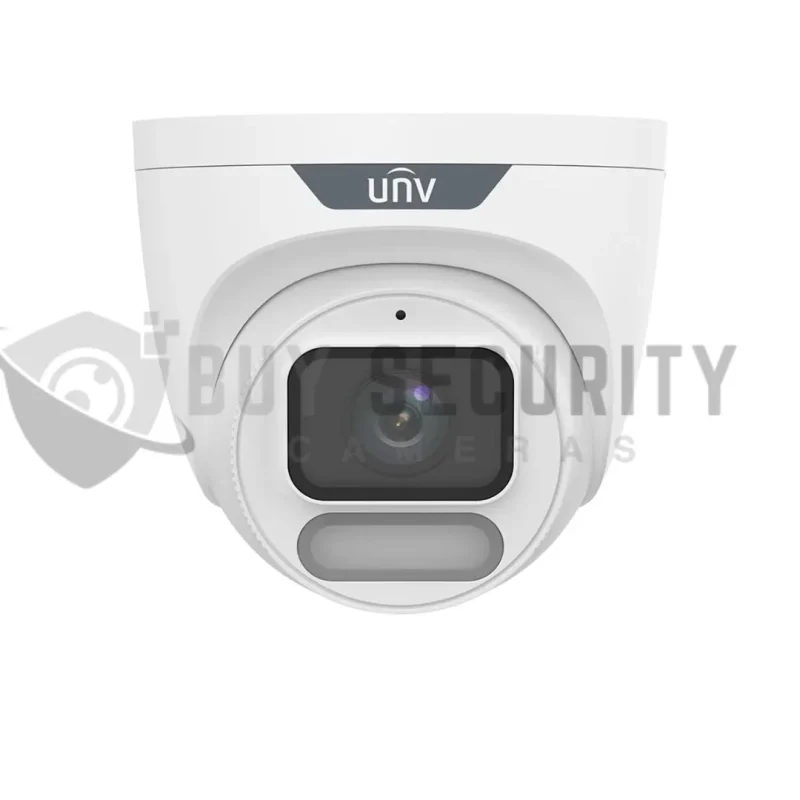
Choose a Compatible NVR
A network video recorder stores footage from compatible IP cameras and helps users review recorded events. Check the recorder’s channel capacity, storage requirements, and camera compatibility before buying.
Plan Your Recording System
Choose an NVR that supports your camera count and desired recording settings. You can compare Uniview NVR recording systems for your installation.
Where Should You Install Motion Sensor CCTV Cameras?
Homes and Residential Properties
Install cameras near front doors, garages, driveways, and side entrances. Position them to capture important areas without obstacles blocking the view.
Shops and Commercial Buildings
Monitor entrances, stockrooms, delivery areas, and other restricted locations. Choose camera positions that provide useful coverage after closing hours.
Warehouses and Parking Areas
Use suitable outdoor cameras to monitor loading bays, storage areas, perimeter gates, and vehicle entrances. Larger sites may require multiple cameras to reduce blind spots.
Frequently Asked Questions
Do Motion Sensor CCTV Cameras Record Continuously?
Some cameras record only when movement is detected, while others support continuous recording or both recording methods.
Can Motion Sensor CCTV Cameras Work in Darkness?
Yes. Cameras with infrared night vision can capture footage in darkness within their effective operating range.
Are Uniview CCTV Cameras Good for Night Security?
Many Uniview models include night vision and other surveillance features. Check each model’s specifications to confirm its suitability.
Can Motion Detection Prevent All False Alerts?
No. Correct settings and intelligent detection can reduce false alerts, but they cannot eliminate every unnecessary notification.
Conclusion
Motion sensor CCTV cameras improve night security by detecting movement, triggering recordings, and sending alerts when supported. Night vision, intelligent detection, and compatible recording equipment help make monitoring easier.
Choose a camera that matches your property’s needs, install it correctly, and test its settings regularly. For more security products and surveillance solutions, visit buy security cameras Australia.