



Picture this. Something happens outside your shop at 2 a.m. You rush to check the CCTV footage. But the screen shows a spinning wheel. Then an error. Your hard drive died, and with it, the only proof of what happened.
This happens more than you think. A surveillance hard drive is the heart of any CCTV system. If it fails, your cameras are basically useless. No footage means no answers.
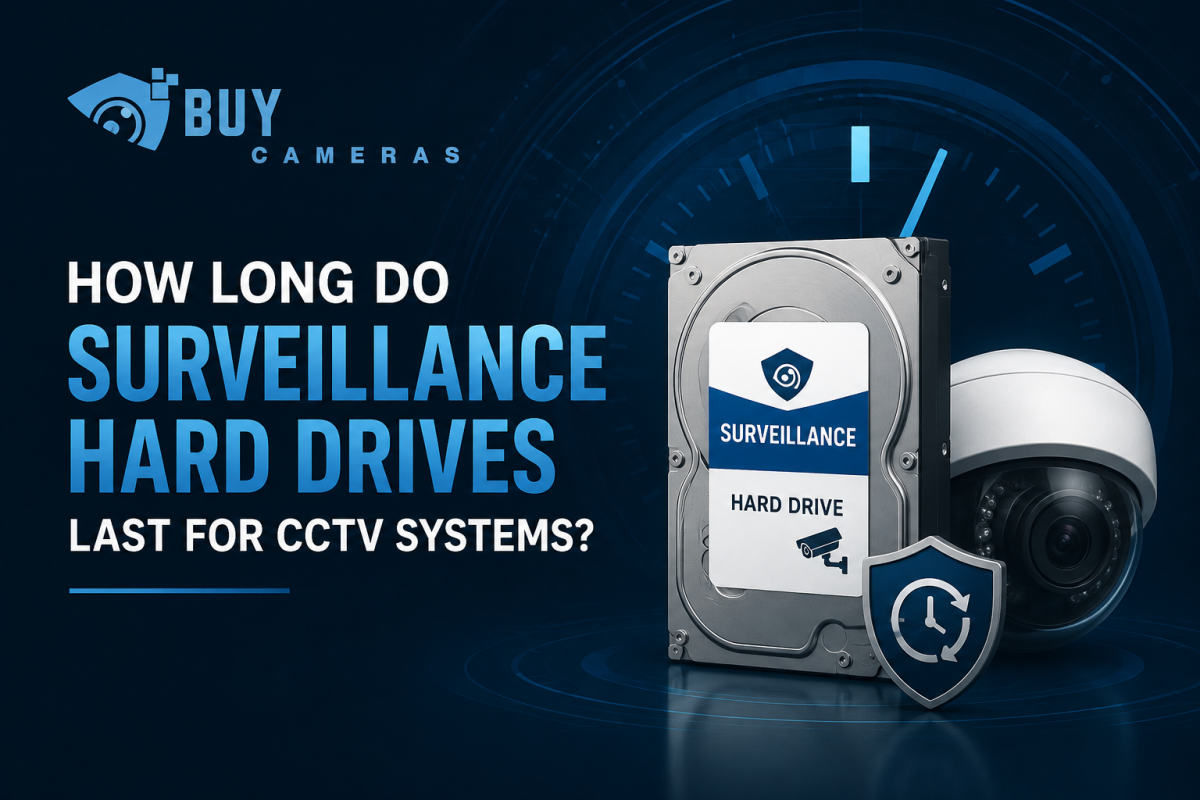
So how long should these drives actually last? The short answer is 3 to 5 years for most good surveillance drives, if you treat them right. But the real answer depends on a few things we’ll break down step by step.
By the end of this guide, you’ll know exactly what shortens a hard drive’s life, what makes it last longer, and how to pick the right one for your setup. If you’re shopping around for the best CCTV hard drive for your home or business, this guide will help you buy smarter instead of guessing.
Why Regular Hard Drives Don’t Work for CCTV
Here’s something a lot of people don’t realize until it’s too late. The hard drive in your laptop or desktop computer is not built for security cameras. CCTV systems record video continuously, day and night, creating a much heavier workload than a typical computer. Using the wrong type of hard drive can lead to missed recordings, reduced performance, and unexpected drive failure when you need footage the most.
A normal desktop drive is made for short bursts of activity. You open a file, save it, then the drive rests. It might run for 8 to 10 hours a day, then shut off overnight.
A CCTV system doesn’t work like that. Your cameras record all day and all night, every single day of the year. That’s a huge difference in workload. A regular desktop drive installed in a DVR or NVR often fails within 6 to 18 months of nonstop recording. The moving parts inside simply weren’t designed to spin and write data around the clock.
This is exactly why surveillance-grade hard drives exist. Brands like WD Purple and Seagate SkyHawk build their drives with tougher parts and smarter firmware made just for round-the-clock video recording. When people search to buy a surveillance hard drive online, these two names are almost always at the top of the list, and for good reason.
Why Are Surveillance Hard Drives Better Than Regular Hard Drives?
Surveillance hard drives are much more than regular hard drives with a different name. They are specifically engineered to handle the demanding workload of CCTV systems that record video around the clock. Their advanced design delivers greater reliability, smoother performance, and a longer lifespan than standard desktop drives.
Built for Continuous Recording
Unlike desktop hard drives that balance reading and writing data, surveillance hard drives are optimized for constant writing. Since CCTV cameras record video 24 hours a day, these drives are designed to manage continuous data recording without sacrificing performance.
Optimized Firmware for Video Recording
Leading manufacturers include specialized firmware to improve video recording performance. Technologies such as WD AllFrame and Seagate ImagePerfect help reduce frame loss, support smooth video playback, and ensure reliable recording from multiple camera streams at the same time.
Supports Multiple Security Cameras
Surveillance hard drives are built to handle the demands of multi camera systems. For example, a standard WD Purple drive can support up to 64 cameras, while selected Seagate SkyHawk AI models can manage up to 80 cameras, making them ideal for both residential and commercial CCTV installations.
Enhanced Vibration Protection
In DVR and NVR systems with multiple hard drives, constant vibration can shorten drive life. Surveillance hard drives include vibration resistant technology that minimizes wear and maintains reliable performance, even in high capacity storage systems.
High Workload Ratings for Longer Lifespan
One of the biggest advantages of a surveillance hard drive is its high workload rating. This rating indicates how much data the drive is designed to write each year while maintaining reliable performance.
For example:
- Standard WD Purple drives up to 6TB are rated for approximately 180TB of data written per year.
- Larger capacity models and WD Purple Pro drives offer ratings of 300TB to 550TB per year, making them suitable for demanding commercial surveillance environments.
If you are comparing the WD Purple surveillance drive price with similar Seagate models, do not focus only on the cost. A higher workload rating often translates into greater durability, improved reliability, and a longer service life, making it a smarter long term investment for your CCTV system.
So, How Long Do They Actually Last?
Most surveillance hard drive makers back their standard drives with a 3-year warranty. Their higher-end “Pro” models often come with a 5-year warranty.
But a warranty isn’t the same as real-world lifespan. In practice, a well-maintained surveillance drive running in decent conditions often lasts 3 to 5 years, and sometimes longer. Some installers report drives running smoothly for 6 or more years when the system is properly powered and cooled.
On the flip side, a drive running in a hot, dusty room with an unstable power supply might only survive a year or two, even if it’s a good brand. This is why many shoppers look for NVR hard drives for sale from trusted sellers instead of grabbing a random used drive online, since a drive with unknown history is a gamble on how long it will last. If you’re still choosing cameras alongside your storage, check out our complete CCTV camera buying guide for tips on matching the right cameras to the right recorder.
Think of it like a car engine. Even the best-built engine will wear out fast if you never change the oil or let it overheat constantly. Hard drives are the same. The brand matters, but how you treat it matters just as much.
What Can Shorten the Lifespan of a Surveillance Hard Drive?
Understanding what damages a surveillance hard drive can help you avoid costly failures and keep your CCTV system recording reliably for years. Here are the most common factors that reduce the lifespan of a CCTV hard drive.
1. Excessive Heat
Heat is one of the biggest causes of hard drive failure. Surveillance hard drives contain precision moving parts that wear out faster when exposed to high temperatures. If your DVR or NVR is installed in a poorly ventilated space, the drive must work harder, increasing the risk of premature failure.
2. Power Surges and Sudden Outages
Unexpected power cuts and voltage spikes can interrupt the recording process and damage the hard drive. Over time, repeated power issues may create bad sectors, resulting in lost recordings and reduced storage performance. Using a quality UPS can help protect your surveillance system.
3. Dust and Poor Maintenance
Dust buildup inside a DVR or NVR blocks airflow and prevents proper cooling. As internal temperatures rise, the hard drive experiences additional stress, which can shorten its lifespan. Regular cleaning helps maintain optimal performance.
4. Insufficient Free Storage Space
When a surveillance hard drive is almost full, it has to work harder to manage and overwrite recorded footage. Maintaining 15 to 30 percent free storage space improves drive efficiency and reduces unnecessary wear.
5. Using a Standard Desktop Hard Drive
Desktop hard drives are not designed for continuous CCTV recording. They cannot handle the constant write workload required by surveillance systems, making them more likely to fail. Always choose a dedicated surveillance hard drive for reliable long term performance.
6. Overloading the Hard Drive
Connecting more cameras or recording at higher resolutions than the hard drive is designed to support increases its workload significantly. An overloaded drive experiences greater wear, reducing its reliability and overall service life. Select a hard drive with enough capacity and workload rating for your surveillance system.
Simple Ways to Make Your Surveillance Drive Last Longer
The good news is that a few simple habits can add real years to your hard drive’s life.
- Choose a surveillance-grade drive. Stick to models built for CCTV, like WD Purple, Seagate SkyHawk, or Toshiba S300. Skip desktop drives entirely. Many homeowners searching for CCTV storage solutions end up overpaying for the wrong drive size, so match the capacity to your camera count before you check out.
- Keep the recorder cool. Make sure your DVR or NVR has airflow around it. Don’t box it into a tight, sealed cabinet.
- Use a good power supply. A surge protector or a small UPS battery backup can prevent damage from power spikes and sudden shutdowns.
- Don’t overload one drive. Match your camera count and resolution to the drive’s rated workload. If you’re running many high-resolution cameras, consider splitting the load across two drives.
- Check the system regularly. Look at your recorder’s health settings every month or two. Many systems can run a basic scan to catch early warning signs like bad sectors.
- Clean the hardware. Dust off your recorder every few months, especially if it sits on the floor or in a dusty area.
Signs Your Surveillance Hard Drive Is Failing
It helps to catch problems early, before you lose important footage. Watch out for these warning signs:
- Playback that skips, freezes, or shows blank gaps
- The recorder making clicking or grinding noises
- Frequent error messages about storage
- The system takes longer than usual to boot up.
- Recordings suddenly missing from certain time periods.
If you notice any of these, it’s smart to back up whatever footage you can and start planning a drive replacement right away.
Final Thoughts
A surveillance hard drive is the heart of your CCTV system, storing every recording that helps protect your home or business. Choosing a dedicated surveillance hard drive instead of a standard desktop drive ensures reliable 24 hour recording, smoother performance, and better protection against data loss. Since your security footage is only valuable if it can be accessed when needed, investing in the right storage solution is just as important as choosing quality security cameras.
Most surveillance hard drives last three to five years, while premium models can perform reliably for even longer with proper maintenance. Keeping your DVR or NVR cool, protecting it from power surges, cleaning it regularly, and avoiding excessive workloads can significantly extend the drive’s lifespan. With the right care and timely replacement, your CCTV system will continue to record and preserve the footage that matters most.